

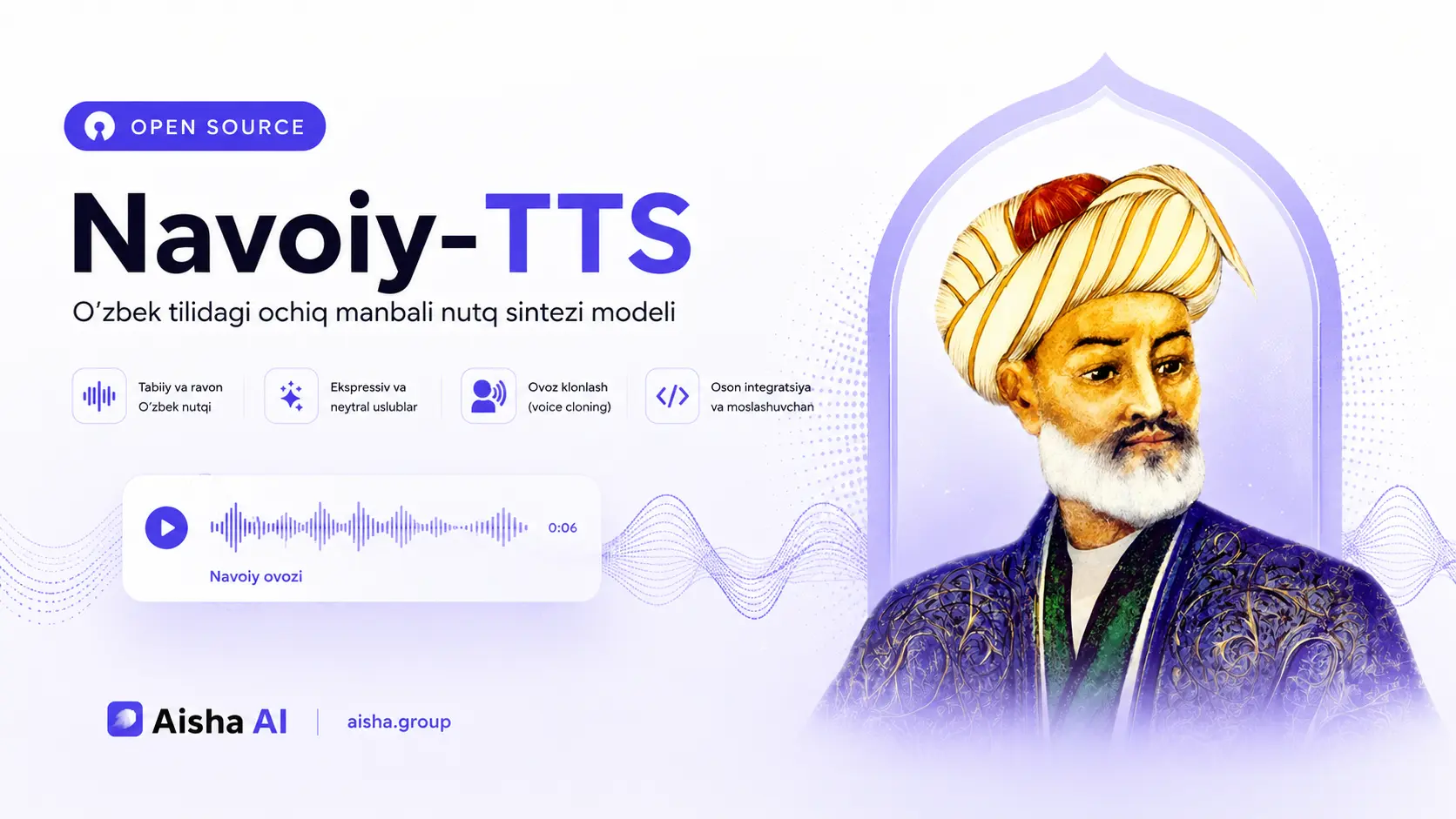
Today, we are open-sourcing Navoiy TTS, an Uzbek text-to-speech model built on CosyVoice2-0.5B.
It turns Uzbek text into speech and supports both neutral and expressive styles. It also includes a small text-normalization utility for numbers, dates, times, apostrophes, and Uzbek Cyrillic.
Why does this matter?
Uzbek speech is not only about reading words. A useful voice model should also handle:
- Uzbek names and common words
- Latin and Cyrillic text
- numbers, dates, and times
- natural pauses
- different speaking styles
- Russian or English words inside Uzbek sentences
Navoiy TTS is an open starting point for developers building voice agents, educational tools, accessibility products, media applications, and research projects.
What is included?
The Hugging Face repository includes:
emotion_600h_joint.pt— the recommended checkpointemotions_40h.json— available style presetsinference.py— an inference scriptuztts.normalize— Uzbek text normalization utilities- demo audio files and a generation manifest
- Apache 2.0 license and responsible-use guidance
The checkpoint is not a standalone model. You also need the upstream CosyVoice code and the CosyVoice2-0.5B base model.
How to use it
1. Install CosyVoice
git clone --recursive https://github.com/FunAudioLLM/CosyVoice.git
cd CosyVoice
git checkout 074ca6dc9e80a2f424f1f74b48bdd7d3fea531cc
git submodule update --init --recursive
python3 -m venv .venv
source .venv/bin/activate
pip install --upgrade pip setuptools wheel
pip install -r requirements.txt
cd ..
2. Download Navoiy TTS
git clone https://huggingface.co/aisha-org/navoiy-tts
pip install -r navoiy-tts/requirements.txt
Download the CosyVoice2-0.5B base model using the revision shown in the model card.
3. Generate Uzbek speech
Use a short, clean reference recording from a speaker who has given permission to clone their voice:
python navoiy-tts/inference.py \
  --cosyvoice-dir CosyVoice \
  --base-model-dir CosyVoice/pretrained_models/CosyVoice2-0.5B \
  --checkpoint navoiy-tts/emotion_600h_joint.pt \
  --reference reference.wav \
  --text "Bugun siz bilan muhim bir xabarni baham ko'rmoqchiman." \
  --emotion warm \
  --output output.wav
The script requires CUDA and creates 24 kHz audio. Use --list-emotions to see the available styles.
Available styles
The model includes these presets:
calm, happy, sad, angry, nervous, surprised, whisper, warm, tired, and sarcastic.
These are style requests, not guarantees. The result depends on the text, reference voice, checkpoint, and random seed. Test the output with your own scripts before using it in production.
Normalize Uzbek text first
Numbers and dates can be difficult for speech models. Navoiy TTS includes a normalizer:
from uztts.normalize import normalize

print(normalize('Bugun 16.07.2026, soat 14:30 da uchrashamiz.'))
It can convert Uzbek Cyrillic to Latin, standardize apostrophes, and expand common numbers, dates, times, ordinals, and units.
What should you know before using it?
Navoiy TTS can mispronounce names, loanwords, abbreviations, and uncommon number formats. It may also repeat, omit, or change words. Dialects and code-switched speech have not been fully evaluated.
Do not use generated speech as the only channel for emergency, medical, transport, financial, or other safety-critical information. Clone a voice only with the speaker’s clear consent. Do not use the model for impersonation, fraud, deception, harassment, or bypassing voice authentication. Disclose synthetic speech when listeners could mistake it for a real person.
Final thoughts
Navoiy TTS is not a promise that every sentence will sound perfect. It is an open foundation that developers and researchers can run, test, improve, and build on.
Start with the Navoiy TTS repository, try the demos, and share what you learn. Better Uzbek speech technology will come from open experiments and honest feedback.